Marriage Biodata Format: Complete Guide for Word & PDF Creation
Learn how to create professional marriage biodata in Word and PDF formats. Download free templates, discover formatting tips, and create the perfect biodata for marriage with our comprehensive guide.
Posted by
 Raju Kumar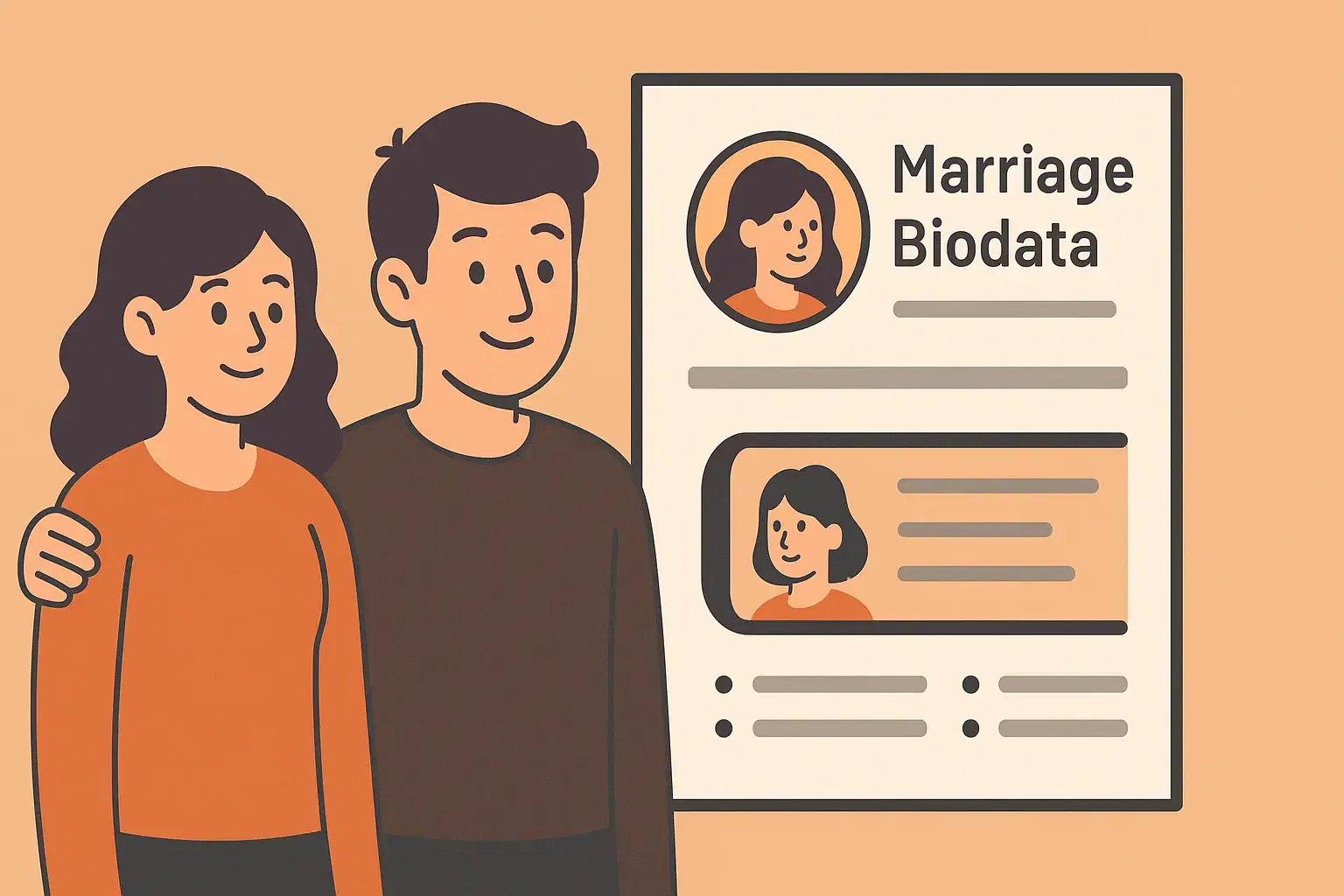
Introduction to Marriage Biodata Format
Creating the perfect marriage biodata format is crucial for making a lasting first impression in your matrimonial journey. Whether you're looking for a biodata format for marriage in Word or need a professional marriage biodata PDF, having the right template and format can significantly impact your search for the ideal life partner. In this comprehensive guide, we'll explore everything you need to know about marriage biodata templates, including how to create them in Word format, convert them to PDF, and ensure they meet modern matrimonial standards. From traditional marriage biodata samples to contemporary designs, we've got you covered with practical tips and downloadable resources.
What is a Marriage Biodata Format?
A marriage biodata format is a structured template that organizes personal, educational, professional, and family information in a standardized layout. Unlike a resume, a biodata format for marriage focuses on compatibility factors, cultural background, and lifestyle preferences that are essential for matrimonial matching.
The biodata format in Word has become increasingly popular due to its ease of editing and professional appearance. Modern marriage biodata templates combine traditional elements with contemporary design, making them suitable for both online matrimonial platforms and traditional matchmaking processes.
Essential Components of Marriage Biodata Format
1. Header Section
- Full name prominently displayed
- Professional photograph (passport size)
- Contact information (phone, email)
- Current location and address
2. Personal Details Section
- Date of birth and age
- Height, weight, and complexion
- Religion, caste, and community
- Mother tongue and languages known
- Marital status and citizenship
3. Educational Background
- Highest qualification details
- Institution names and graduation years
- Professional certifications
- Academic achievements and honors
4. Professional Information
- Current job title and company
- Work location and experience
- Annual income range
- Career aspirations
5. Family Background
- Father's and mother's occupation
- Number of siblings and their status
- Family values and traditions
- Property and financial background
6. Partner Preferences
- Age range and height preferences
- Educational and professional expectations
- Location and relocation preferences
- Cultural and lifestyle compatibility
Creating Marriage Biodata in Word Format
Step-by-Step Guide for Biodata Format Word Creation
- Open Microsoft Word: Start with a blank document or download a marriage biodata Word template
- Set Page Layout: Use A4 size with 1-inch margins for optimal printing
- Choose Professional Fonts: Use Arial, Calibri, or Times New Roman (11-12pt size)
- Create Header: Add name, photo placeholder, and contact information
- Structure Sections: Use clear headings and consistent formatting
- Add Tables: Use tables for organized information presentation
- Include Borders: Add subtle borders for professional appearance
- Review and Edit: Proofread content and check formatting consistency
Best Practices for Marriage Biodata Word Format
- Keep it concise: Limit to 1-2 pages maximum
- Use consistent formatting: Maintain uniform fonts, sizes, and spacing
- Include high-quality photo: Use recent, clear, and professional photograph
- Maintain readability: Use adequate white space and logical flow
- Save multiple formats: Keep .docx for editing and .pdf for sharing
Converting to Marriage Biodata PDF Format
Converting your marriage biodata Word format to PDF ensures compatibility across all devices and platforms. A marriage biodata PDF maintains formatting integrity and provides a professional appearance when shared via email or matrimonial websites.
Methods to Create Marriage Biodata PDF
- From Word: File → Export → Create PDF/XPS → Optimize for Print Quality
- Print to PDF: File → Print → Select PDF printer → Save as PDF
- Online Converters: Use reliable online Word to PDF conversion tools
- PDF Creation Software: Use dedicated PDF creation applications
Advantages of Marriage Biodata PDF Format
- Preserves original formatting across all devices
- Cannot be easily edited, maintaining document integrity
- Smaller file size for easy sharing and storage
- Professional appearance on matrimonial platforms
- Print-ready format for physical distribution
Popular Marriage Biodata Template Styles
1. Traditional Marriage Biodata Format
The traditional marriage biodata sample follows a classic layout with formal language, conservative design elements, and emphasis on family background and cultural values. This format is ideal for families preferring conventional matchmaking approaches.
2. Modern Marriage Biodata Template
Contemporary biodata templates feature clean designs, modern typography, and balanced sections. These formats work well for professionals and individuals using online matrimonial platforms.
3. Creative Marriage Biodata Design
Creative templates incorporate colors, graphics, and unique layouts while maintaining professionalism. These are perfect for individuals in creative fields or those wanting to stand out from conventional formats.
Biodata Format Download Options
Finding the right biodata format download can save significant time and ensure professional presentation. Various platforms offer free and premium marriage biodata Word templates and PDF formats.
Where to Find Quality Templates
- Official Template Libraries: Microsoft Office template gallery
- Matrimonial Websites: Platform-specific biodata templates
- Design Platforms: Canva, Template.net, and similar services
- Professional Services: Custom biodata creation services
Customizing Downloaded Templates
- Replace placeholder text with personal information
- Adjust colors and fonts to match preferences
- Modify sections based on individual requirements
- Add or remove fields as needed
- Ensure all information is current and accurate
Marriage Biodata Sample Examples
Here are examples of effective marriage biodata formats that demonstrate proper structure and content organization:
Traditional Format Example:
Name: Priya Sharma
Age: 26 years (DOB: 15/03/1999)
Height: 5'4" | Complexion: Fair
Religion: Hindu | Caste: Brahmin
Education: MBA Marketing, Delhi University
Profession: Marketing Manager, ABC Corp
Income: 8-10 LPA
Family Background: Well-educated and cultured family. Father is a retired bank manager, mother is a homemaker. One elder brother who is happily married.
Modern Format Example:
About Me: I'm Rahul Kumar, a passionate software engineer who believes in balancing professional growth with personal values. I enjoy traveling, reading technology blogs, and spending quality time with family.
Professional Details:
Senior Software Developer at TechCorp
3+ years experience in full-stack development
Open to relocation for career growth
Personal Preferences:
Vegetarian, Non-smoker, Occasional social drinker
Fitness enthusiast, Love cooking
Fluent in Hindi, English, and Punjabi
Common Mistakes to Avoid in Marriage Biodata Format
- Poor photo quality: Using outdated, blurry, or inappropriate photos
- Information overload: Including too many unnecessary details
- Inconsistent formatting: Mixed fonts, sizes, and alignment issues
- Outdated information: Using old templates or obsolete contact details
- Spelling and grammar errors: Poor language quality affecting credibility
- Inappropriate tone: Being too casual or overly formal
- Missing contact information: Incomplete or incorrect contact details
- Unrealistic expectations: Setting overly specific partner criteria
Tips for Creating Effective Marriage Biodata
- Choose the right template: Select a format that matches your personality and target audience
- Use high-resolution photos: Include recent, clear, and professional photographs
- Be honest and authentic: Present yourself genuinely without exaggeration
- Keep it updated: Regularly review and update information as circumstances change
- Proofread thoroughly: Check for errors in spelling, grammar, and formatting
- Include relevant keywords: Use terms that potential matches might search for
- Maintain privacy: Share appropriate information while protecting sensitive details
- Get feedback: Ask family members or friends to review before finalizing
Digital Age Considerations for Marriage Biodata
In today's digital matrimonial landscape, your marriage biodata format must be optimized for both online and offline use. Consider these modern requirements:
- Mobile compatibility: Ensure your biodata looks good on smartphone screens
- File size optimization: Keep PDF files under 2MB for easy sharing
- Social media alignment: Ensure your biodata matches your online presence
- Platform-specific versions: Create variations for different matrimonial websites
- Digital watermarking: Consider adding subtle watermarks to prevent misuse
For more detailed guidance on what to include in your biodata content, check out our comprehensive guide on Complete Guide to Marriage Biodata Writing in 2025. You can also learn about crafting the perfect introduction with our article on What to Write in the 'About Me' Section of a Biodata.
Cultural and Regional Variations
Different regions and communities may have specific preferences for marriage biodata formats. Understanding these variations can help you create a more targeted and effective biodata:
- North Indian format: Emphasis on family background and traditional values
- South Indian format: Detailed educational qualifications and horoscope information
- Western influenced format: Focus on career achievements and lifestyle preferences
- Community-specific requirements: Caste, sub-caste, and regional language considerations
For those interested in traditional Hindu wedding biodata formats, you can explore detailed templates and cultural considerations in this comprehensive guide: Marriage Biodata Format for Hindu Weddings: Traditional Templates & Modern Designs 2025.
Conclusion
Creating an effective marriage biodata format requires careful attention to structure, content, and presentation. Whether you choose a traditional marriage biodata Word template or opt for a modern PDF format, the key is to present yourself authentically while highlighting your best qualities. Remember that your biodata format for marriage serves as your first impression in the matrimonial process. Take time to select the right template, customize it thoughtfully, and ensure all information is accurate and current. With the right marriage biodata template and format, you'll be well-positioned to attract compatible matches and begin meaningful conversations with potential life partners. Start creating your professional marriage biodata today using our easy-to-use biodata maker tool, which offers multiple format options including Word and PDF downloads to suit your specific needs.
Frequently Asked Questions
- What is the best format for marriage biodata - Word or PDF?
Both formats have advantages. Use Word format for easy editing and customization, and PDF format for sharing and submission to ensure formatting remains intact across all devices. - How do I download marriage biodata templates?
You can download biodata templates from Microsoft Office template gallery, matrimonial websites, design platforms like Canva, or specialized biodata creation services. - What should be the ideal length of a marriage biodata?
A marriage biodata should ideally be 1-2 pages long. Keep it concise while including all essential information without overwhelming the reader. - Can I create a marriage biodata without using templates?
Yes, you can create a biodata from scratch in Word or any word processor. However, templates save time and ensure professional formatting and structure. - How often should I update my marriage biodata format?
Update your biodata every 6 months or whenever there are significant changes in your career, location, contact information, or personal circumstances. - What file format is best for sharing marriage biodata online?
PDF format is best for online sharing as it preserves formatting, is compatible with all devices, and maintains professional appearance across different platforms.